
THE IDEA IS SIMPLE
Move with a purpose.
We don’t move around the room at random. We secure the important shots first, then add variety. Follow the same cycle for each founder and you’re less likely to miss a key moment or get in the way.
The route can change. The priorities stay the same.
BEFORE YOU START
Know the room. Know the running order.
Use these practical checks to make the flow work for the event you’re covering.
- Confirm the format: pitch length, when Q&A happens, where judges sit and how quickly the next founder starts.
- Find your positions: a back-of-room view of the screen and founder, a clean middle angle and a front or side position for reactions and judges.
- Agree the brief: who is covering photos, roaming video and any continuous pitch recording. Confirm any movement or filming restrictions with the event lead.
- Be ready before the introduction: check framing, focus and exposure for the founder and screen. For video, check the agreed audio and recording setup too.
These setup checks support the recorded workflow. Follow the event-specific CVM brief for deliverables, kit and technical settings.
REPEAT FOR EVERY FOUNDER
The coverage cycle.
Catch the opening slide.
Be at the back before the founder starts. Capture a wide view that connects the founder with their opening slide—their name, face or brand may only be on screen for a few seconds.
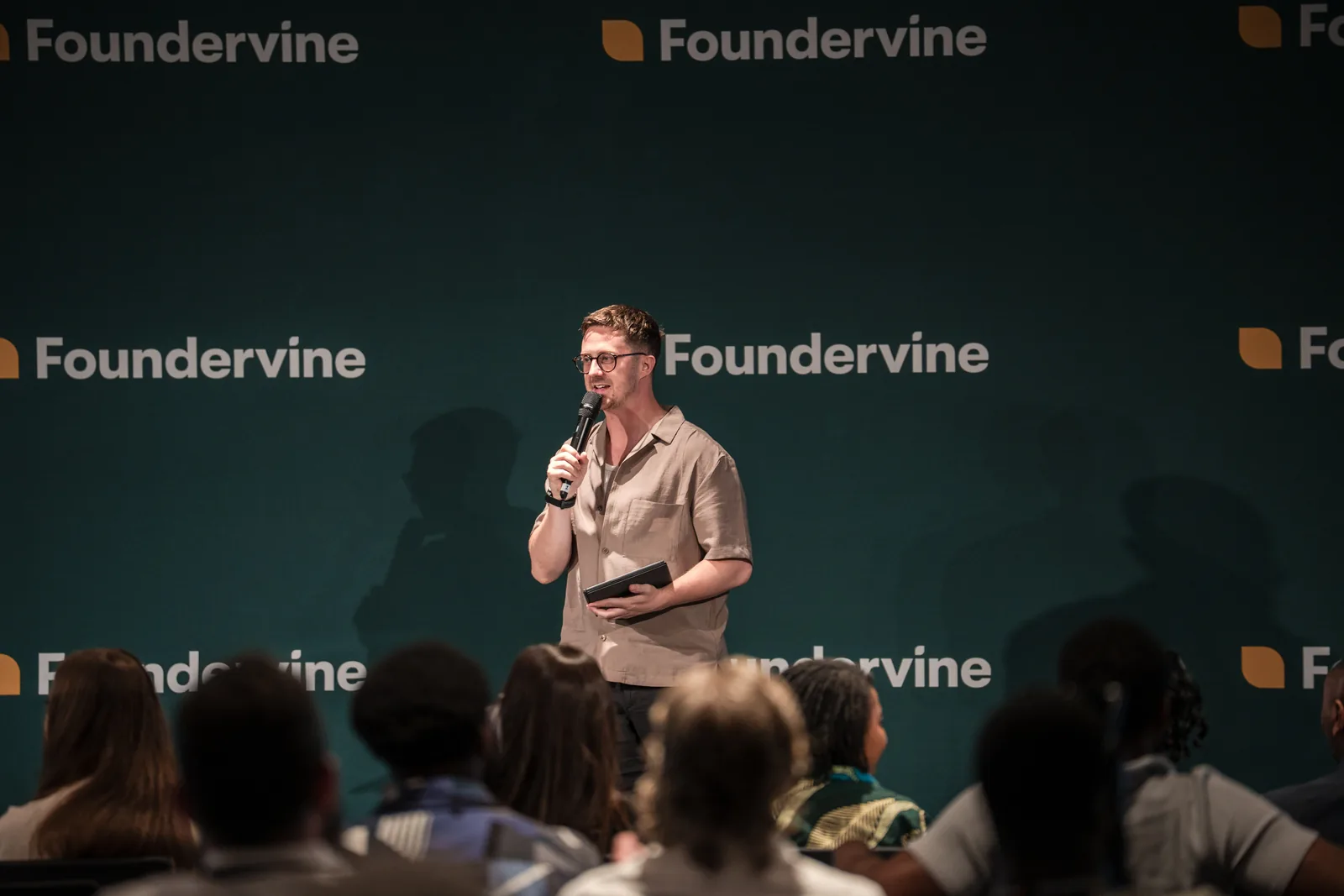
Then: move towards the middle when you have that opening shot and a discreet route is clear.
Get the clean speaker shots first.
Find a clear view of the founder. Capture usable expressions and a small variety of clean angles. Check that a microphone, another person or your position isn’t hiding their face.
Don’t leave this stage just because you’ve taken lots of frames. Leave when you have the important shots secured.

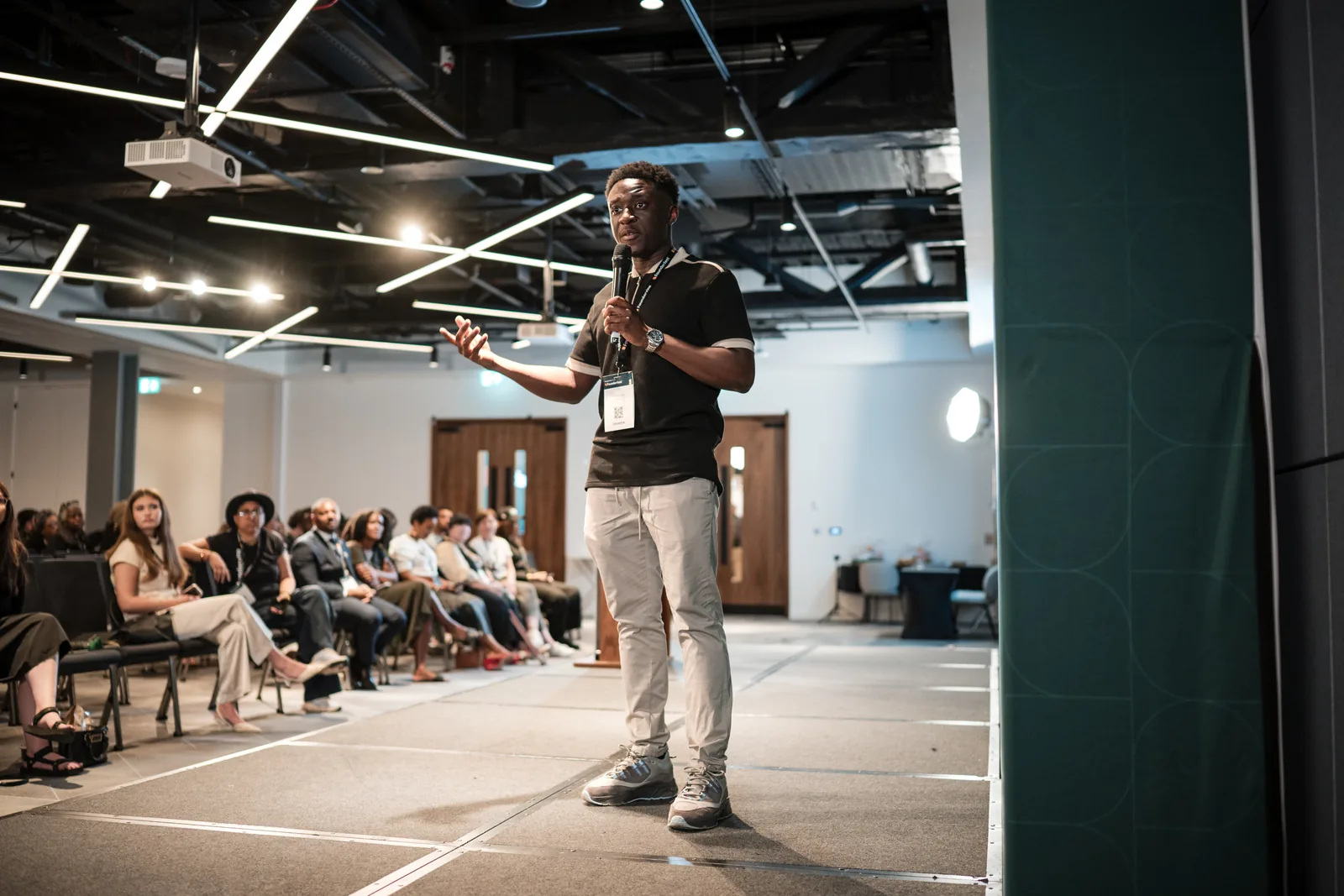
Then: move to the front or an appropriate side position for secondary angles and the end of the pitch.
Add variety. Stay ready for the reaction.
Now add side angles and another perspective on the founder. These are secondary shots: they support the clean speaker coverage you already have.
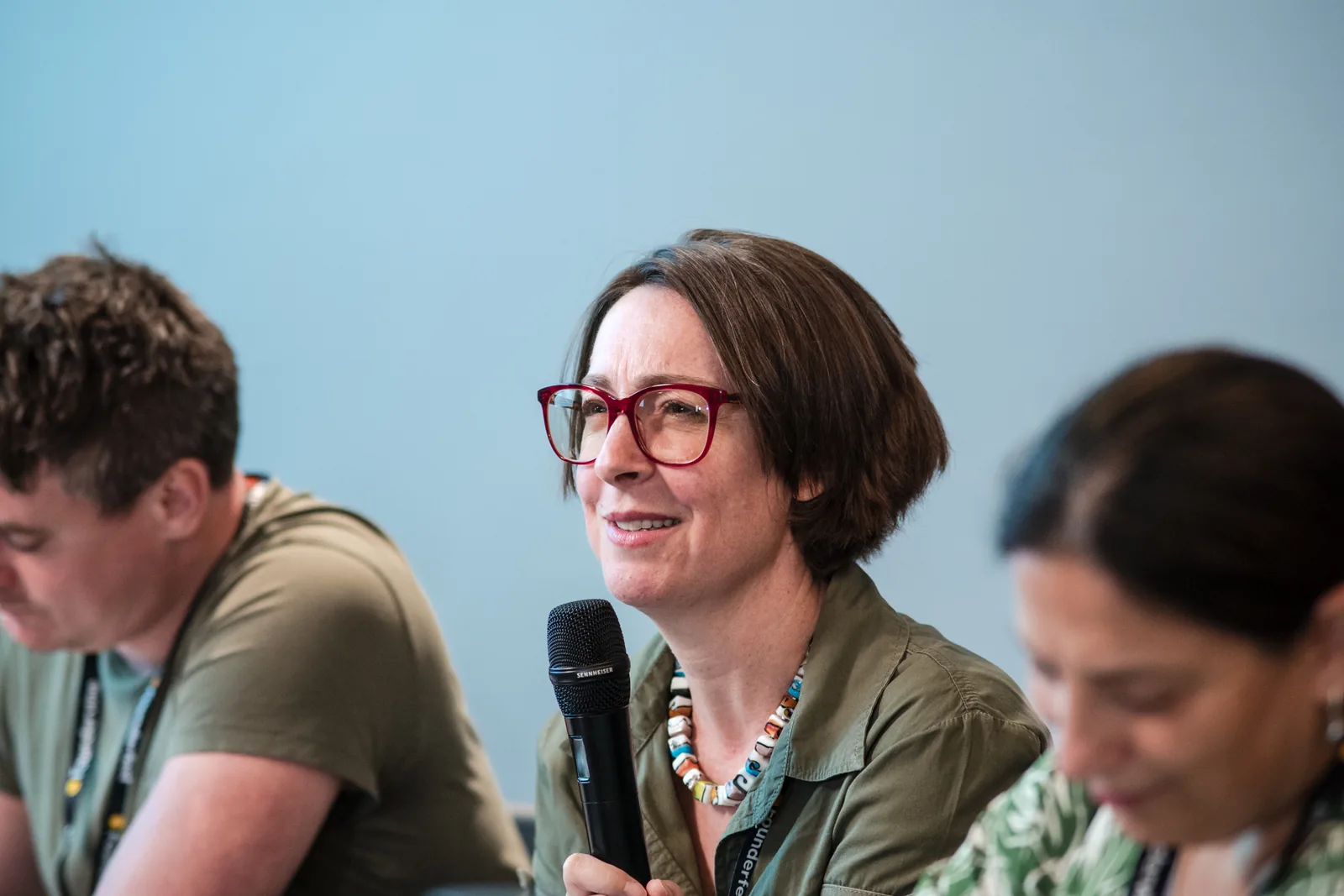
As the pitch ends, be ready to turn towards the audience for applause. Stay near the front for clean views of judges asking questions and the founder responding. Capture closing applause if it happens.
Then: watch the host’s cue so you can reset before the next founder begins.
Back to the start. Same care for the next person.
Return to your back-of-room position in time for the next opening slide. Don’t get so absorbed in the previous pitch that you miss the next founder’s name and brand.

Repeat: back → middle → front → reset.
A USEFUL POSITIONING CUE
Follow the “belly-button” direction.
Look at where the person’s torso is facing. A position roughly across from that direction often gives you a cleaner view of their face and body than shooting from behind or an awkward side angle.
This is especially useful when judges turn towards the founder during questions. Reposition yourself discreetly; don’t ask them to turn towards your camera.
Keep sightlines, lighting, room access and the other operator’s frame in mind. A clean angle is never a reason to stand between the judge and founder or block an audience member.
FOR VIDEOGRAPHERS
Use the sequence. Protect the recording.
The recording describes the movement cycle mainly through photography. These video adaptations help you apply the same priorities to your agreed brief.
Roaming highlights
Follow the cycle for an opening context shot, clean speaker clips, secondary angles, applause and judges. Settle your frame before recording each clip and leave usable moments for the edit. Agree clip length and format in the brief.
Continuous pitch coverage
If the brief requires a complete pitch, keep a stable recording and usable audio throughout. A roaming operator or second camera can follow the cycle. If you’re alone with one camera, protect the continuous take rather than moving it to chase every angle.
Working together? Agree positions before the session. Keep out of each other’s frames and never assume the other person has a shot unless you’ve agreed who owns it.
WHEN THE ROOM DOESN’T FOLLOW THE PLAN
Adapt without losing the essentials.
- The pitch is very short.
- Prioritise the opening slide and clean speaker coverage. Take reactions when they happen. Skip extra angles before you sacrifice the essentials.
- The route to the front is blocked.
- Use a clear side position or stay where you can work discreetly. Don’t force the route through the audience.
- There’s no Q&A, or the order changes.
- Follow the live programme. Capture the reactions that happen, then reset for the next founder. Don’t wait for a moment that isn’t scheduled.
- You missed the title slide.
- Keep covering the pitch. Note the founder’s identity and flag the missing shot to the CVM lead. Don’t interrupt the presentation or pass off another founder’s slide as theirs.
- You notice a gap in coverage.
- Flag it honestly in your handover. Use the checklist for the next pitch; a high image count doesn’t make a missing moment complete.
SAVE THIS FOR THE SHOOT
The per-pitch checklist.
Use this as a quick check for each founder. Ticks are only for this page session; they aren’t sent to CVM.
At handover, identify the founders or pitch order and flag missing moments, access limits or recording issues. Follow the agreed CVM file-delivery instructions.
PUT THE FLOW INTO PRACTICE
What would you do?
Ten situations you could face at a pitching event. Work through one scenario at a time, check the reasoning, then see your score at the end.
Developed from Chino’s “CVM Photographer Flow During Pitch Sessions” recording, 22 October 2026. Setup checks, video adaptations and scenarios expand the original flow into a practical team resource.
Continue with the CVM Shooter Guide ↗